How to Print Coloring Pages (Best Results)
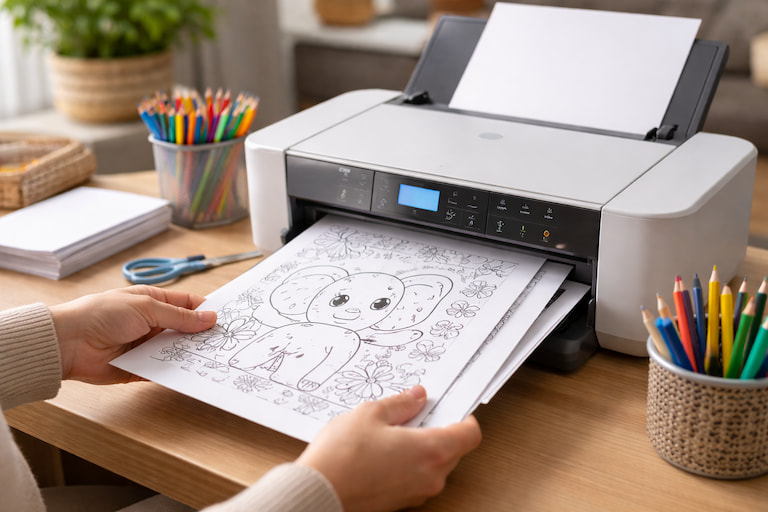
If a page prints cropped or looks faint, the fix is usually a single setting. Below is a quick checklist for crisp outlines — perfect for animals, vehicles, and holiday printables.
1) Confirm paper size
Use US Letter (8.5×11) or A4. If the wrong size is selected, your printer may cut off edges. Our print buttons include options for A4 and Letter — pick the matching one.
2) Use “Fit to Page”
In print settings, enable “Fit to page” (or “Scale to fit”) when you see any clipping in print preview. This keeps the entire drawing visible.
3) Choose paper based on tools
- Crayons: standard paper works great.
- Colored pencils: smooth paper helps blending.
- Markers: thicker paper reduces bleed-through.
4) Best printer settings for outlines
- Color mode: Grayscale / Black & White.
- Quality: Standard is fine; use High if lines look light.
- Margins: Keep default; avoid borderless unless necessary.
Fast troubleshooting
- Cropped: Fit to page + correct paper size.
- Light lines: High quality mode or print darker.
- Blurry: try another browser or clean print heads.